Training Center
Short tutorials and practical guides to help you use IOS with confidence.
Welcome to IOS
A quick overview of what IOS is and how it helps you grow.
 PDF Guide
Understanding the IOS Growth System
See how all the pieces work together to help you attract, engage and retain more clients.
PDF Guide
Navigating Your IOS Workspace
Learn how to move around the platform and find the tools you need.
PDF Guide
Understanding Your IOS Dashboard
Get familiar with your dashboard and key metrics.
PDF Guide
Adding Contacts and Managing Nurture Permission
Learn how to add new contacts and manage email and SMS permission settings.
PDF Guide
Connecting Your Social Accounts
Connect your social media accounts to start publishing from IOS.
PDF Guide
Understanding Your Contacts and Contact Profiles
Learn about contact records, profile details and activity history.
PDF Guide
Managing Email Communications
Create and send emails, use templates, and manage your communication settings.
PDF Guide
Understanding Your Business Owner Opportunity Pipeline
See how opportunities move through your pipeline and what each stage means.
PDF Guide
Managing Opportunities After a Discovery Call
Learn how to update stages, add notes, and keep opportunities moving forward.
PDF Guide
Managing Your IOS Calendar and Appointments
Set up your calendar, schedule appointments, and manage availability.
PDF Guide
Connecting Your Google or Microsoft Calendar
Learn how to connect your external calendar to keep everything in sync.
PDF Guide
Creating and Managing Tasks
Learn how to create tasks, set reminders, and keep your team organized.
PDF Guide
Managing Your Profile and Account Settings
Update your profile, notification preferences, and account settings.
PDF Guide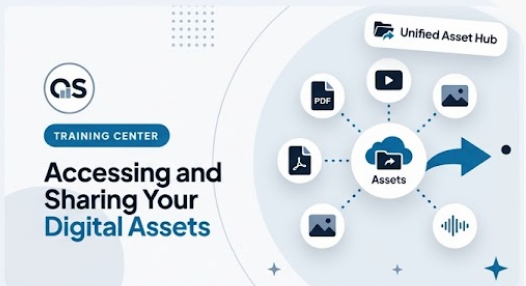
Accessing and Sharing Your Digital Assets
Learn how to find, organize, and share your marketing materials and resources.
PDF Guide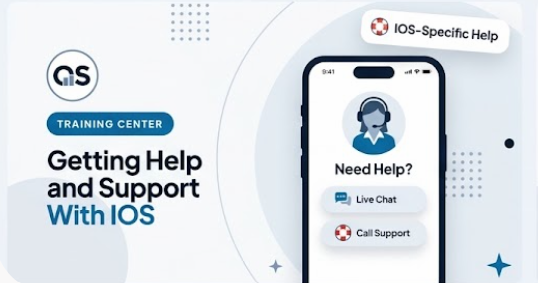
Getting Help and Support With IOS
Find answers, access resources, and get the support you need.
PDF Guide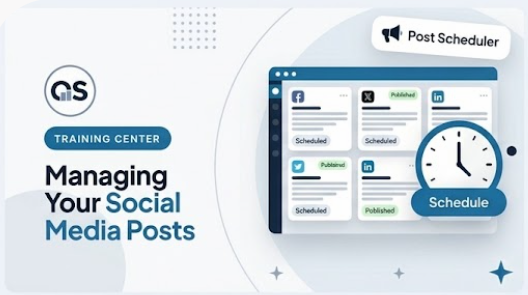
Managing Your Social Media Posts
Create, edit, and organize your social content across all connected accounts.
PDF Guide